

Why standard phones fail seniors
I remember talking to my Aunt Carol last year, and she was incredibly frustrated trying to video chat with her grandkids. She kept accidentally muting herself, and the tiny icons on the screen felt impossible to tap accurately. It’s a common story. Smartphones have become incredibly powerful, but that power often comes at the cost of simplicity, which can be a real barrier for many older adults.
Modern phones are essentially pocket computers. While that's great for power users, the complexity creates a steep learning curve for anyone who just wants to make a call or send a photo. Most interfaces prioritize feature density over clarity, which is where the frustration starts.
That’s where simplified smartphone interfaces come in. They’re becoming essential not just for accessibility, but for maintaining independence and social connection. A phone shouldn’t be a source of stress, but a tool that empowers older adults to stay connected with loved ones, manage their health, and enjoy life to the fullest. We'll look at phones that strive to make that a reality.
The best simplified phones for 2026
Finding the right smartphone for a senior often means prioritizing ease of use above all else. Several models currently stand out in 2026, focusing on large buttons, simplified menus, and robust voice control. Here are five of the best, based on reviews from seniorliving.org, nytimes.com, and razmobility.com.
Apple iPhone 16 Plus (128 GB): The New York Times recommends this model for its overall reliability and the accessibility features built into iOS. While not specifically designed for seniors, iOS allows for substantial customization, including larger fonts, VoiceOver screen reading, and Siri voice control. The larger screen size is also a plus. However, the price point is considerably higher than other options.
Google Pixel 9: Similar to the iPhone, the Pixel 9 isn’t specifically a "senior phone,’ but Android"s customization options and the Google Assistant make it adaptable. Google Assistant is particularly strong in understanding natural language, making voice commands more intuitive. The Pixel 9 also boasts excellent camera quality, which is a bonus for sharing photos with family. It's a good choice for those comfortable with Google's ecosystem.
Lively Jitterbug Smart4: This phone is designed specifically for seniors. It features a simplified menu, large buttons, and dedicated access to Lively’s health and safety services, including urgent response. The voice control is straightforward, and the phone includes health and wellness apps. The downside is that it's less powerful than other smartphones and has a more limited app selection.
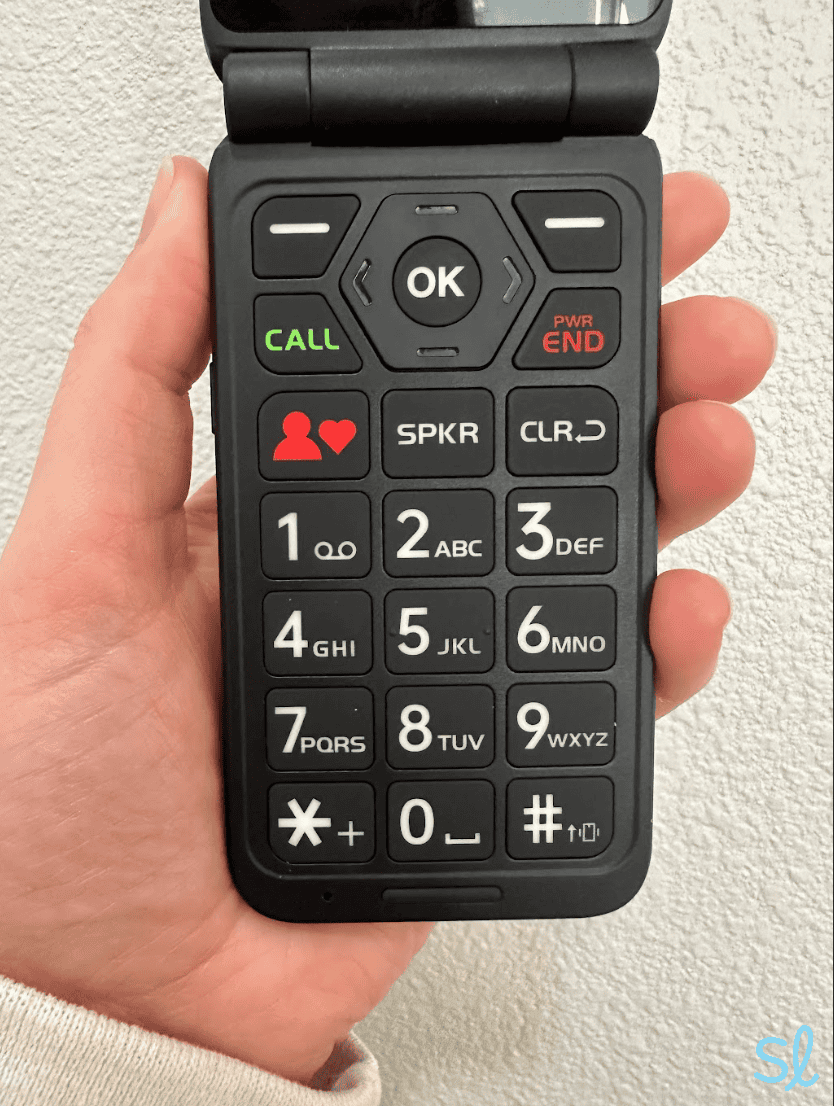
Jitterbug Flip2: If a full smartphone feels overwhelming, the Jitterbug Flip2 offers a familiar flip phone design with large buttons and a simple interface. It includes a dedicated emergency button and access to Lively’s services. While it lacks the features of a smartphone, it’s incredibly easy to use and offers peace of mind. It’s ideal for those who primarily need to make and receive calls.
RAZ Memory Cell Phone: Raz Mobility focuses on devices for seniors, and the Memory Cell Phone is a standout. It’s designed with a simplified interface, large buttons, and a loud speaker. It also includes a dedicated memory button that can be programmed to call a specific contact. It’s a good option for those with memory concerns or limited dexterity.
Featured Products

Simplified smartphone interface · Designed for seniors · Requires Lively phone plan activation
This smartphone is curated to offer a simplified interface, making it ideal for seniors seeking ease of use and accessibility in their mobile devices.

Big buttons · Clear sound · SOS button
This flip phone is curated to offer simplified interfaces, large buttons, and clear sound, making it ideal for seniors seeking ease of use and accessibility in their mobile devices.
![Mr.Shield [3-Pack] Screen Protector For RAZ Memory Cell Phone [Tempered Glass] [Japan Glass with 9H Hardness] Screen Protector](https://m.media-amazon.com/images/I/61pX-WYlicL._AC_UY654_QL65_.jpg)
3-pack screen protectors · Tempered glass · 9H hardness
This screen protector is curated to offer protection for simplified senior mobile devices, ensuring durability and ease of use.

4G LTE connectivity · Flip phone design · 4GB storage
This feature phone is curated to offer a simplified interface, making it ideal for seniors seeking ease of use and accessibility in their mobile devices.
Simplified smartphone interface · Designed for seniors · Requires Lively phone plan activation
This smartphone is curated to offer a simplified interface, making it ideal for seniors seeking ease of use and accessibility in their mobile devices.
As an Amazon Associate I earn from qualifying purchases. Prices may vary.
Voice control is the biggest shortcut
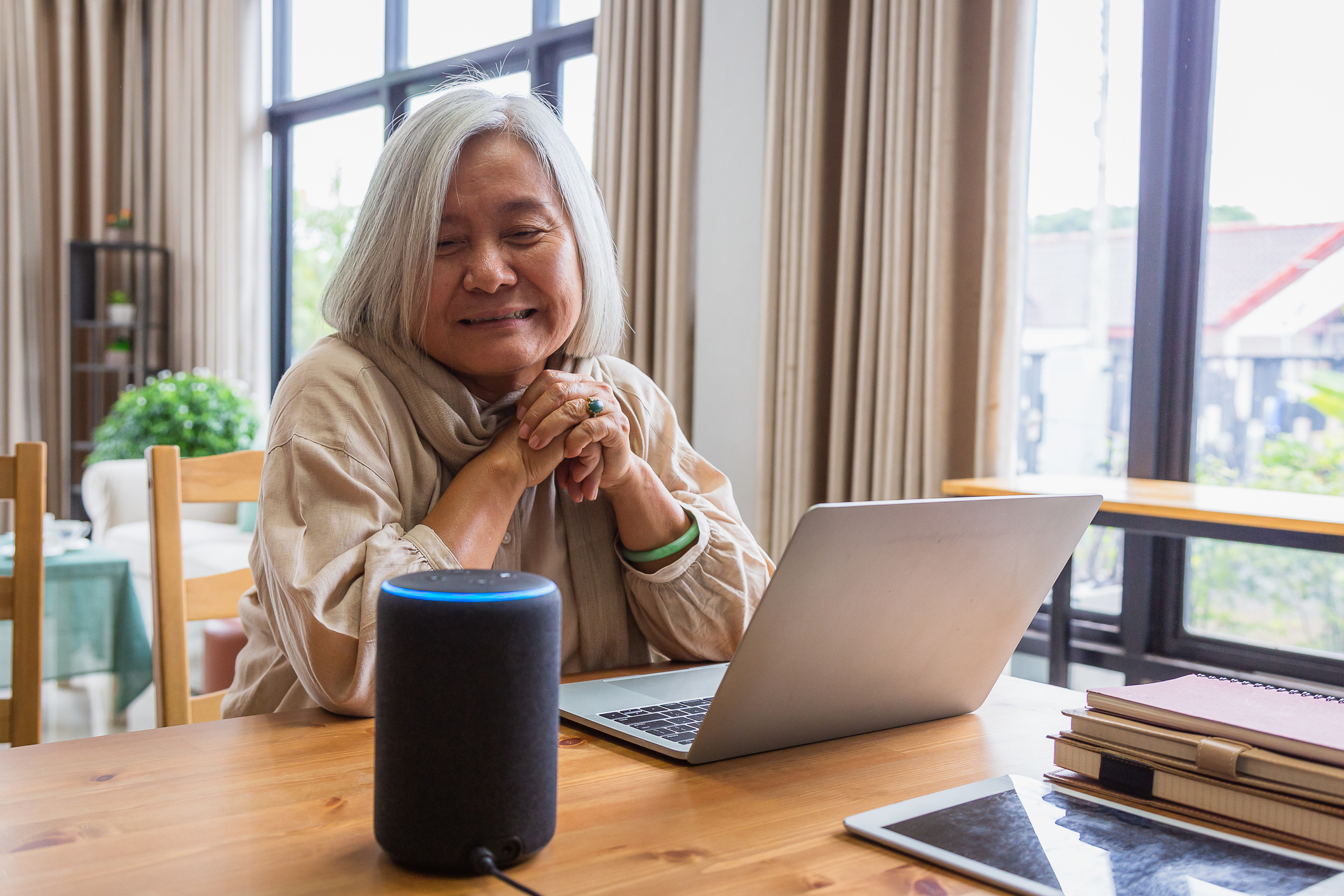
Voice control is arguably the most significant advancement in smartphone accessibility for seniors. It bypasses the need for precise tapping and swiping, which can be difficult for individuals with arthritis, tremors, or limited dexterity. It’s not just about convenience; it’s about maintaining independence.
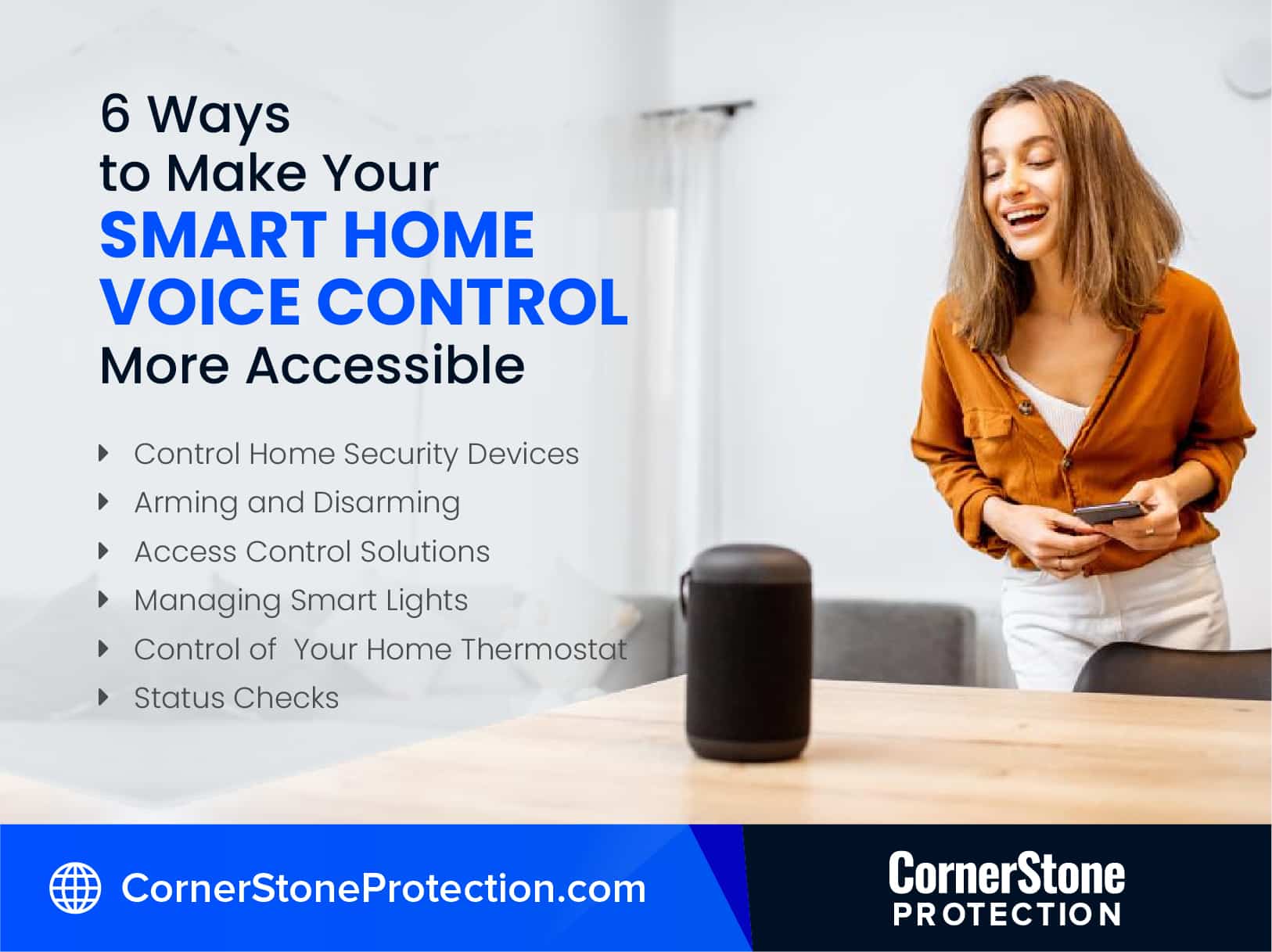
With voice assistants like Google Assistant and Siri, seniors can make calls, send texts, set reminders, play music, and even control smart home devices using just their voice. Imagine being able to turn on the lights, adjust the thermostat, or lock the doors without having to get up. This level of control can significantly improve quality of life.
Privacy is a valid worry. Google and Apple both collect data to improve their voice recognition, but you can toggle most of this off in the settings menu. If you're uncomfortable, you can set the phone to only listen after a button press rather than always waiting for a wake word. Start with simple commands like 'Call Carol' or 'Set a timer for 20 minutes' to get used to the rhythm.
The case for physical buttons
Despite the advancements in smartphone technology, traditional large-button phones haven't disappeared – and for good reason. They offer a level of simplicity that smartphones often can’t match. These phones excel in durability, boast long battery life, and typically feature dedicated emergency buttons for immediate assistance.
They are a strong option for seniors who are resistant to learning new technology or have severe cognitive impairment. The limited functionality can be a benefit, reducing the risk of accidental calls or getting lost in complex menus. However, they lack the features of smartphones, such as internet access, email, and video calling.
Ultimately, the choice between a large-button phone and a simplified smartphone depends on the individual’s needs and preferences. If the primary goal is simple communication and emergency access, a large-button phone is a solid choice. If the senior wants to stay connected with family and friends through social media and video calls, a smartphone with a simplified interface is the better option.
Simplified Smartphone vs. Large Button Phone Comparison - 2026
| Ease of Use | Features | Cost | Durability | Emergency Features |
|---|---|---|---|---|
| Generally Easier with Training | Extensive - Apps, Internet, Camera, Video Calling | Typically Higher - Varies greatly by model and carrier | Variable - Modern smartphones are often more fragile | Advanced - GPS location sharing, emergency SOS features, direct dialing |
| Very Easy - Intuitive for basic calls and texting | More Limited - Primarily focused on calling and texting | Typically Lower - Often available without contracts | Generally More Durable - Designed for simplicity and robustness | Basic - Direct dialing to pre-programmed contacts, some models offer limited emergency contact features |
Illustrative comparison based on the article research brief. Verify current pricing, limits, and product details in the official docs before relying on it.
Customization Options: Tailoring the Experience
One of the most powerful features of modern smartphones is their customizability. Both Android and iOS offer a range of options to tailor the experience to individual needs. This includes adjusting font sizes, switching to high-contrast themes, simplifying app layouts, and removing unnecessary apps.
On Android, you can access accessibility settings through the Settings app, usually under "Digital Wellbeing and parental controls’ then ‘Accessibility’. On iOS, these settings are found in the Settings app under ‘Accessibility". Within these menus, you can adjust display settings, enable voice control, and customize other features.
There are also third-party apps available that can further enhance accessibility. Apps like Simple Launcher for Android replace the standard home screen with a simplified interface featuring larger icons and fewer options. Taking the time to customize the phone can make a huge difference in usability and comfort.
Common Concerns & Troubleshooting
Many seniors express concerns about using smartphones, often stemming from a fear of breaking the phone, privacy worries, or simply the difficulty of learning new technology. It’s important to address these concerns with patience and understanding. Reassure them that it’s okay to make mistakes and that help is available.
Common troubleshooting issues include low battery, a frozen screen, and forgotten passwords. For a low battery, ensure the phone is charging correctly and consider a portable power bank. A frozen screen can often be resolved by holding down the power button for several seconds. For forgotten passwords, utilize the password recovery options provided by the phone’s operating system.
Numerous online resources can provide additional support. Websites like seniorliving.org and the manufacturers' support pages offer tutorials and FAQs. Tech support forums can also be a valuable source of information and assistance. Remember, starting slow and focusing on one feature at a time can make the learning process less overwhelming.

No comments yet. Be the first to share your thoughts!