

Voice assistants in 2026
Imagine this: a quiet evening, and you’d like to call your granddaughter, but reaching for the phone feels like a chore. Or perhaps you're concerned about remembering to take your medication on time. These small challenges, so common as we age, can sometimes feel isolating. But technology is changing that, and voice assistants are at the forefront of a new era of connection for seniors.
Amazon Alexa, Google Assistant, and Apple HomePod are practical tools for managing a home. In 2026, these devices understand natural speech better than previous versions, making them reliable for setting timers or calling family without fumbling with a touchscreen.
For years, voice recognition felt clunky and frustrating. Now, these assistants are surprisingly good at understanding natural speech, even with accents or slight speech impediments. The smart home ecosystem has expanded too, meaning more devices work seamlessly together. It’s not about replacing personal connection, but enhancing it, making life a little easier and a lot more secure.
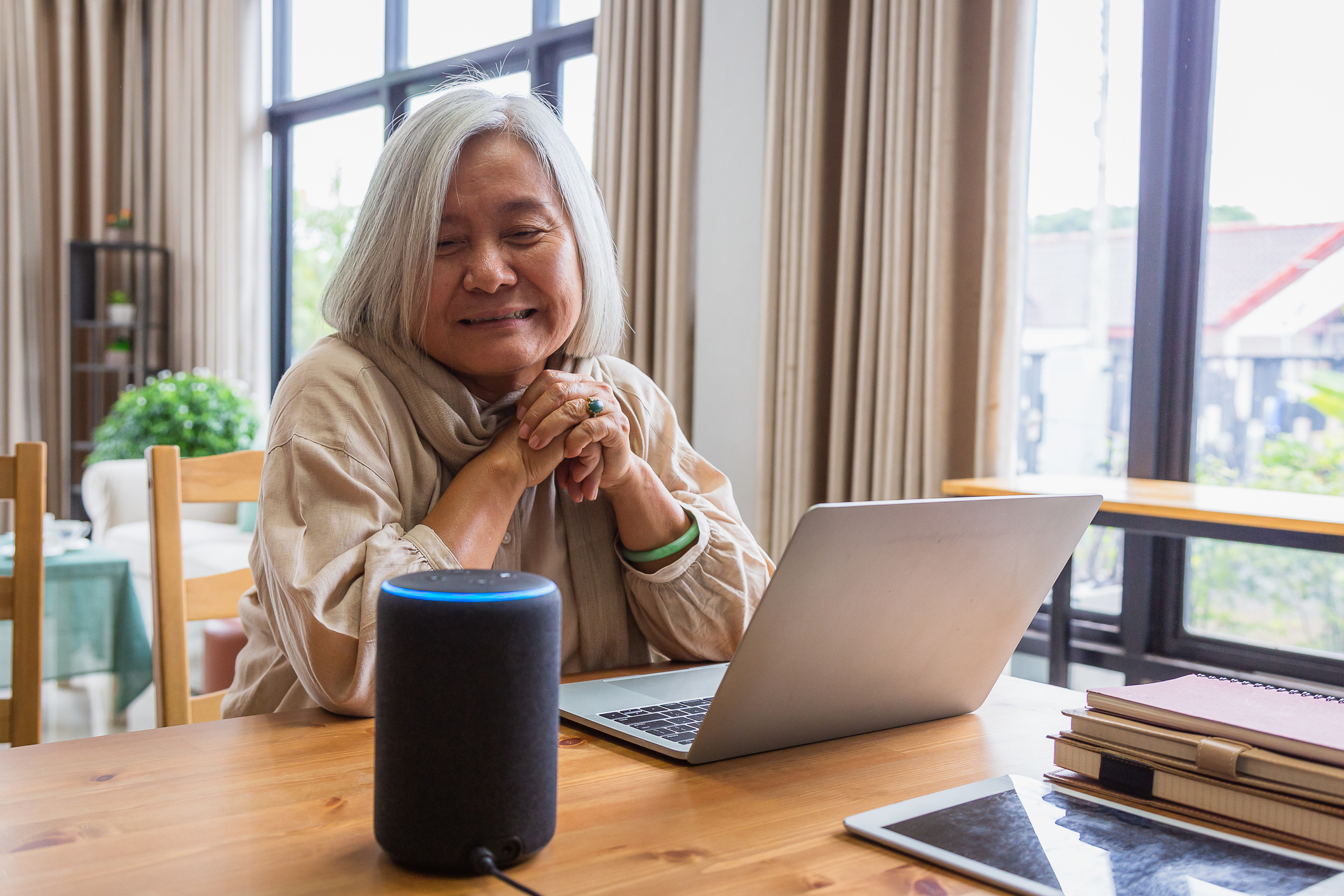
Choosing between Alexa, Google, and HomePod
Choosing the right voice assistant can feel overwhelming. Each one – Amazon Alexa, Google Assistant, and Apple HomePod – has its strengths and weaknesses. It's not about finding the 'best' one overall, but the one that best fits your individual needs and comfort level.
Amazon’s Echo devices work with more third-party plugs and lights than any other brand. I find the setup straightforward, though you have to deal with frequent Amazon shopping suggestions and ads. An Echo Dot costs about $50.
Google Assistant, found in Google Home speakers and displays, excels at voice recognition, thanks to Google’s expertise in search. It integrates seamlessly with other Google services, like Google Calendar and Gmail. Privacy is a valid concern here too, as Google also collects user data. The Google Nest Mini is similarly priced to the Echo Dot.
Apple HomePod, while more expensive, offers a strong focus on privacy and sound quality. It integrates tightly with the Apple ecosystem, making it a good choice for those already invested in Apple products. It’s often praised for its ability to understand commands even in noisy environments, but it has fewer compatible smart home devices than Alexa or Google Assistant. The HomePod mini starts around $99.
- Alexa and Google Assistant take about five minutes to get running via their mobile apps.
- Voice Recognition: Google Assistant consistently ranks highest in voice recognition accuracy.
- Apple HomePod keeps voice processing on the device itself rather than in the cloud.
- Cost: Alexa and Google Assistant offer more affordable entry-level devices.
- Integration: Consider which services you already use – Apple for Apple HomePod, Google for Google Assistant, or Amazon for Alexa.
Setting Up Your Voice Assistant
Setting up a voice assistant doesn't have to be complicated. First, unbox your device and plug it into a power outlet. Then, download the corresponding app on your smartphone or tablet – the Alexa app for Echo devices, the Google Home app for Google Home devices, or the Home app for Apple HomePod.
The app will guide you through connecting the device to your Wi-Fi network. This is often the trickiest part. Make sure your Wi-Fi password is correct and that the device is within range of your router. If you have a weak Wi-Fi signal, consider moving the device closer to the router or using a Wi-Fi extender.
Once connected to Wi-Fi, you’ll need to create an account or sign in with an existing one. The app will then walk you through customizing your settings and teaching the assistant to recognize your voice. Don’t skip the voice training step – it improves accuracy! Many devices also have accessibility features built in, like voice guidance and screen reader compatibility, which you can enable during setup.
Essential Skills for Daily Living
Voice assistants can do so much more than just play music. They can be incredibly helpful for managing daily life and promoting independence. Setting reminders for medications is a particularly valuable feature. Simply say, 'Alexa, remind me to take my blood pressure medication at 8 am,' or a similar command for Google Assistant or HomePod.
Making phone calls is also easy. You can say, 'Alexa, call [contact name],' or 'Hey Google, dial [phone number].' You can also use voice assistants to play your favorite music, listen to news and weather updates, and control compatible smart home devices. Imagine saying, 'Alexa, turn on the living room lights,' or 'Hey Google, set the thermostat to 72 degrees.'
You can program emergency contacts to dial out when you can't reach the phone. If you say 'Alexa, call 911,' the device attempts the connection, but don't rely on this as your only safety net. Wi-Fi outages or power cuts make these devices useless in a real crisis.
• 'Alexa/Hey Google/Siri, what’s the weather today?' • 'Alexa/Hey Google/Siri, set a timer for 20 minutes.' • 'Alexa/Hey Google/Siri, play classical music.' • 'Alexa/Hey Google/Siri, read me the news.' • 'Alexa/Hey Google/Siri, call [contact name].'
Privacy and data security
It’s understandable to have concerns about privacy when using voice assistants. These devices are always listening, waiting for a wake word. While companies claim they only record audio after the wake word is detected, it’s important to be aware of how your data is being collected and used. The Administration for Community Living (ACL) provides valuable resources on technology safety for seniors at acl.gov.
You can manage your privacy settings within the device’s app. Review your voice recordings regularly and delete any you’re uncomfortable with. Use strong, unique passwords for your accounts and enable two-factor authentication whenever possible. Secure your Wi-Fi network with a strong password and consider using a VPN.
Be cautious of scams. Never share personal information – like your Social Security number or bank account details – in response to a voice command or unsolicited call. If something seems suspicious, trust your instincts and contact a trusted family member or friend.
Top Voice-Activated Products for Seniors
Beyond the voice assistants themselves, a range of products can enhance the experience and provide additional support for seniors. Smart plugs are a simple and affordable way to turn ordinary appliances into smart devices, allowing you to control them with your voice. For example, you could say, 'Alexa, turn on the coffee maker.'
Smart lights offer similar convenience, allowing you to control lighting levels and colors with voice commands. Medication dispensers can be programmed to remind you when to take your medications and even dispense the correct dosage. Fall detection devices, like the Vayusek Fall Detector, can automatically call for help if a fall is detected. These devices are becoming increasingly sophisticated, using AI to differentiate between a gentle sit and a concerning fall.
The Navi robot, as featured on WKYC Channel 3 (youtube.com/watch?v=JgUv3eTq2Xo), demonstrates a more advanced application of AI in eldercare, assisting with mobility and providing fall prevention. While more expensive, these types of robots represent the future of assistive technology. Finally, consider a voice-activated digital photo frame – a wonderful way to stay connected with loved ones and relive cherished memories.
Essential Smart Home Devices for Seniors Using Voice Assistants

Control lights, fans, and appliances remotely via app or voice command. · No separate hub required; connects directly to your home Wi-Fi. · Works with Alexa and Google Home for hands-free operation.
These smart plugs allow for easy voice control of everyday appliances, enhancing convenience and accessibility.

Create custom lighting scenes and schedules. · Control millions of colors and shades of white light. · Integrates with Alexa, Google Assistant, and Apple HomeKit for voice control.
Smart bulbs offer customizable lighting for ambiance and security, easily managed with voice commands.

Vibrant HD display for video calls, recipes, and entertainment. · Spatial audio for immersive sound. · Designed for Alexa, offering a comprehensive smart home hub experience.
The Echo Show 8 provides a visual interface for voice commands, making it easier to see information and connect with others.

Compact smart display with enhanced bass and clearer sound. · Ideal for bedside tables or kitchens. · Designed for Alexa, offering quick access to information and smart home control.
The Echo Show 5 is a user-friendly smart display perfect for quick information retrieval and controlling smart home devices.

Large 10-inch HD screen for clear visuals. · Integrated Google Assistant for voice control and information. · Features a built-in camera for video calls and security.
The Google Nest Hub Max offers a large, interactive display with Google Assistant, simplifying daily tasks and communication.
As an Amazon Associate I earn from qualifying purchases. Prices may vary.

No comments yet. Be the first to share your thoughts!