

The shift toward aging in place
More and more seniors are choosing to age in place – to remain in their own homes for as long as possible. This isn’t a new idea, but it’s becoming increasingly popular, and for good reason. The National Institute on Aging reports that roughly 90% of adults over 65 prefer to stay in their homes as they age, and that number is likely to keep rising.
There are clear benefits to aging in place. Maintaining independence is huge, as is the comfort of familiar surroundings. Strong social connections with neighbors and friends are easier to keep when you don’t have to relocate. But it’s not always easy; challenges like maintaining the home, managing healthcare, and preventing falls can make staying at home difficult without some form of support.
Voice-activated smart homes help solve these problems. These systems give seniors more control over their environment and provide a safety net that doesn't feel intrusive.
We've seen a real shift in how people view senior living. It's less about institutions and more about adapting the existing home to meet changing needs. A smart home isn’t a replacement for human care, but it can certainly supplement it, providing a vital layer of assistance and peace of mind for both seniors and their families.
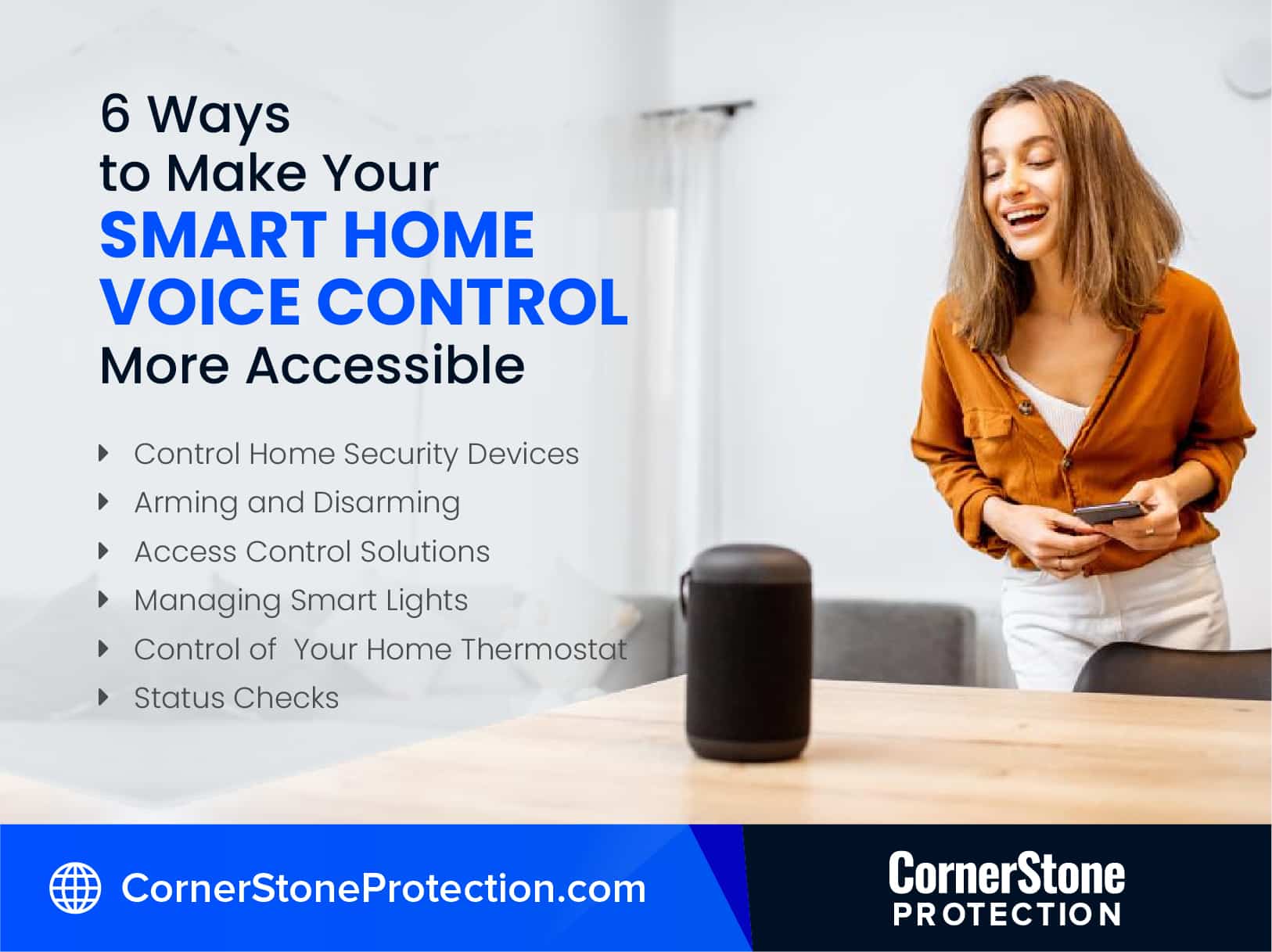
Why voice control works for seniors
Voice control is a particularly good fit for seniors because it bypasses many of the physical challenges that can come with aging. Arthritis, vision impairment, and reduced dexterity can make operating small buttons, navigating touchscreens, or even remembering complex remote control sequences difficult. Voice interaction is simply more natural and accessible.
Think about it: speaking is something most people can do easily, regardless of physical limitations. It eliminates the need for fine motor skills or clear eyesight. You don’t need to remember a specific command sequence – you just ask for what you want. This simplicity is a huge advantage.
Beyond the physical benefits, there are cognitive ones as well. Voice control can be mentally stimulating, encouraging regular interaction. It can also reduce frustration by eliminating the need to struggle with complicated interfaces. A simple voice command is far less daunting than navigating a complex app.
I’ve spoken with many seniors who initially resisted technology, but quickly embraced voice assistants once they understood how easy they were to use. It's about empowering them to control their environment without feeling overwhelmed. It's a shift from technology doing things to them, to technology responding to their needs.
Essential devices for home safety
Smart smoke and carbon monoxide detectors are the first things I'd install. Unlike standard alarms, these send alerts to a phone or voice assistant. This is helpful if someone is hard of hearing or in a different room when the alarm triggers.
Fall detection is another critical area. The MIT Eldercare robot, as reported by MIT News, represents a more advanced solution, but there are also wearable fall detection devices and sensors that can be integrated into a smart home system. These systems can automatically alert emergency services or caregivers if a fall is detected.
Smart locks offer remote access for caregivers, allowing them to check on a senior or let themselves in if needed. This can be a lifesaver in emergencies. Paired with a video doorbell, you can visually confirm who's at the door before opening it, adding an extra layer of security.
These devices aren’t about being paranoid; they're about being prepared. They offer peace of mind for both the senior and their loved ones, knowing that help is available if needed. It’s a proactive approach to safety, rather than a reactive one. The feeling of security that these devices offer is often as valuable as the practical benefits.
- Nest Protect ($120) or First Alert Onelink ($100) for smoke and carbon monoxide detection.
- Fall Detection Systems: Apple Watch (with fall detection, $399+), Lively Mobile Plus ($50/month)
- Smart Locks: August Smart Lock Pro ($250), Schlage Encode ($250)
- Video Doorbells: Ring Video Doorbell 4 ($199), Google Nest Doorbell ($179)
Featured Products

8-inch smart display · Spatial audio for immersive sound · Built-in smart home hub
This device serves as a central hub for controlling smart home devices with voice commands and provides visual feedback, enhancing convenience and accessibility.

Retinal 4K video with wide-angle view · 10x Enhanced Zoom · Low-Light Sight for clear night vision
Provides enhanced security by allowing seniors to see and speak with visitors remotely, ensuring safety and deterring potential threats.

Detects both smoke and carbon monoxide · Smart alerts sent to smartphone · Battery-powered for reliable operation
Offers critical life-saving alerts directly to a smartphone, providing an essential layer of safety and immediate notification in emergencies.

High-fidelity audio for immersive sound · Siri voice assistant integration · Seamless Apple ecosystem compatibility
Allows for easy voice control of smart home devices and music playback, simplifying daily routines and providing assistance through Siri.

Vibrant, clear sound · Compact design for any space · Alexa voice control for smart home and information
This affordable and compact device provides convenient voice access to smart home controls and information, fitting easily into any room.
As an Amazon Associate I earn from qualifying purchases. Prices may vary.
Support for daily living
Beyond safety, smart home devices can significantly improve convenience and comfort in daily living. Smart lighting is a simple but effective example. Being able to turn lights on and off with a voice command can be incredibly helpful, especially at night or for those with limited mobility. Dimmable lights can also create a more comfortable atmosphere.
Smart thermostats automatically adjust the temperature, ensuring a comfortable living environment without requiring manual adjustments. This can be particularly beneficial for seniors with health conditions that are sensitive to temperature changes. Many models learn your preferences over time and adjust accordingly.
Smart plugs allow you to control appliances remotely. This means you can turn off a forgotten iron, or start a coffee maker from bed. It’s a small convenience, but it can make a big difference in reducing physical strain and promoting independence. They're also surprisingly affordable.
Voice-activated reminders are invaluable for remembering medication schedules, appointments, and other important tasks. The ability to simply ask, "What’s on my schedule today?" is far easier than relying on written notes or complex calendars. These devices integrate seamlessly with popular voice assistants like Alexa and Google Assistant, making setup and use straightforward.
Choosing a Voice Assistant: Alexa, Google, or Siri?
Amazon Alexa, Google Assistant, and Apple Siri are the three major players in the voice assistant market. Each has its strengths and weaknesses, and the best choice for a senior will depend on their individual needs and preferences. Alexa is known for its wide range of skills and compatibility with a vast ecosystem of smart home devices.
Google Assistant excels at voice recognition and natural language processing, meaning it can understand more complex commands and questions. It’s also deeply integrated with Google’s services, like Calendar and Maps. However, some privacy concerns have been raised about Google’s data collection practices.
Apple Siri is known for its strong privacy features and seamless integration with Apple devices. However, it’s generally considered to be less versatile than Alexa or Google Assistant, and its compatibility with third-party devices is more limited. Setup can also be more complex for those unfamiliar with the Apple ecosystem.
Ease of setup is crucial. Alexa and Google Assistant generally have simpler setup processes than Siri. Voice recognition accuracy is also important, especially for seniors with speech impediments or accents. Consider the senior’s existing technology and preferences when making your decision. It's often helpful to try a demo of each assistant before committing.
- Alexa is best if you want the most compatible devices and third-party skills.
- Google Assistant: Best for voice recognition and Google service integration.
- Siri: Best for privacy and Apple ecosystem users.
Voice Assistant Comparison for Seniors - 2026
| Ease of Use | Voice Recognition | Privacy Considerations | Device Compatibility | Cost |
|---|---|---|---|---|
| Very Easy | Excellent | Offers voice command deletion and privacy settings within the Amazon ecosystem. Data is used for ad personalization unless opted out. | Widest range of compatible smart home devices; strong integration with Amazon services. | Free with optional Prime subscription for enhanced features. |
| Easy | Very Good | Google Account-based privacy controls; activity controls allow data management. Data is used for ad personalization unless managed. | Excellent compatibility with Android devices and a broad range of smart home products. Strong integration with Google services. | Free with optional Google One subscription for expanded storage and features. |
| Moderate | Good | Privacy focused, processing more data on-device. Relies heavily on Apple ecosystem for full functionality. | Best compatibility within the Apple ecosystem; growing support for HomeKit-enabled devices. More limited compatibility outside of Apple products. | Free with Apple device ownership; some features require iCloud storage. |
| Trade-off: Setup can be complex | Good | Focus on end-to-end encryption for some communications. Privacy settings are linked to Apple ID. | Strongest security features when used within the Apple ecosystem. | Generally requires purchasing Apple devices. |
| Better for beginners | Excellent | Amazon Kids+ offers parental controls and content filtering. | Strong integration with Amazon services and a wide range of smart home devices. | Free with optional subscription services. |
| Better for Android users | Very Good | Google Assistant routines can automate tasks based on voice commands. | Seamless integration with Android devices and Google services. | Free with optional subscription services. |
| Higher learning curve | Good | Siri Shortcuts allow for custom voice commands and automation. | Best experience with other Apple devices. | Free with Apple device ownership. |
Qualitative comparison based on the article research brief. Confirm current product details in the official docs before making implementation choices.
Setting Up Your Smart Home: A Step-by-Step Guide
Setting up a smart home doesn’t have to be daunting. Here’s a simplified guide: First, choose your devices. Start small – don’t try to automate everything at once. Begin with a few key devices, like a smart speaker and a smart plug. Next, ensure a stable Wi-Fi connection. A strong signal is essential for all smart home devices to function properly.
Download the voice assistant app (Alexa, Google Home, or Apple Home) onto a smartphone or tablet. Follow the in-app instructions to set up the assistant and connect it to your Wi-Fi network. Then, link your smart devices to the assistant. This usually involves enabling a "skill’ or ‘action" within the app.
Once the devices are linked, create routines. Routines allow you to automate multiple actions with a single voice command. For example, you could create a "Good Morning’ routine that turns on the lights, reads the news, and announces the day’s schedule. Don"t be afraid to experiment and customize routines to fit specific needs.
Finally, test the system thoroughly. Make sure all devices are responding to voice commands as expected. If you encounter issues, consult the device’s manual or the voice assistant’s help documentation. Remember to keep the devices updated with the latest software for optimal performance and security. I recommend writing down the steps for easy reference.
Security & Privacy Considerations
Smart home devices collect data, and that raises legitimate security and privacy concerns. It’s important to be aware of the risks and take steps to protect yourself. One of the biggest risks is hacking. Cybercriminals could potentially gain access to your devices and use them to spy on you or control your home.
Data collection is another concern. Voice assistants record your voice commands, and this data could be used for targeted advertising or other purposes. Unauthorized access is also a risk – someone could potentially gain control of your devices without your knowledge. The New York Times has covered these concerns extensively, highlighting the need for vigilance.
To protect your privacy, use strong, unique passwords for all your devices and accounts. Enable two-factor authentication whenever possible. Review the privacy settings of your voice assistant and smart devices, and disable any features you’re not comfortable with. Be mindful of what information you share with voice assistants.
Keeping your devices updated with the latest security patches is crucial. Manufacturers regularly release updates to address vulnerabilities. Regularly check for updates and install them promptly. It’s also a good idea to research the security practices of the manufacturers before purchasing any smart home device.
Smart Home Innovations
- ElliQ - A proactive, AI-powered companion designed to reduce loneliness and encourage engagement. ElliQ offers cognitive assistance, connects users with loved ones, and provides entertainment through voice interaction. It learns user preferences over time.
- Lively Mobile Plus - This medical alert device goes beyond basic fall detection. It includes 24/7 emergency response, medication reminders, and a fall detection feature that utilizes advanced algorithms to minimize false alarms. It also offers a mobile app for family connectivity.
- SensorUp Smart Hub with Fall Detection - SensorUp offers a comprehensive smart home hub, and their fall detection sensors are designed for discreet integration. These sensors use radar technology to detect falls without requiring a wearable device, offering a broader range of coverage within the home.
- Amazon Alexa Together - A subscription service that provides remote assistance for seniors using Alexa-enabled devices. Family members can remotely set reminders, make calls, and receive alerts if assistance is needed. It integrates with existing Alexa devices.
- Smart Medication Dispensers (PillPack by Amazon Pharmacy) - Automated medication dispensers help ensure seniors take the correct medications at the right time. PillPack pre-sorts medications into daily doses and delivers them to the user's door, with options for voice-activated reminders.
- Aloe Care’s Mobile Health Platform - This system combines a mobile smart hub, wearable fall sensor, and a voice-activated emergency call system. It aims to provide a comprehensive safety net with quick response times and two-way communication.
- Google Nest Detect (Discontinued, but functionality lives on in newer systems) - While the original Nest Detect is no longer sold, the technology pioneered for sensing open doors/windows and motion is integrated into newer Google Nest security systems. This can be useful for monitoring activity and ensuring home security, with voice control through Google Assistant.

No comments yet. Be the first to share your thoughts!