

Smart homes and staying put
Most people want to remain in their own homes as they age—a concept known as aging in place. It’s about maintaining independence, comfort, and a sense of familiarity. But aging can bring challenges, and for many, simple tasks become difficult. This is where technology, specifically voice-activated home automation, can make a real difference.
The senior population is growing rapidly. According to the National Institute on Aging, the number of Americans aged 65 and older is projected to reach 83.7 million by 2050. This demographic shift is driving demand for solutions that support independent living. Voice technology isn’t just about convenience; it’s about enabling seniors to live safely and confidently in their homes for longer.
I recently spoke with a woman named Eleanor, who told me how a simple voice-activated assistant helped her after a fall. She wasn’t able to reach her phone, but she was able to use her voice to call for help. Stories like Eleanor’s are becoming increasingly common, and they illustrate the power of this technology to provide peace of mind for both seniors and their families.
Choosing a voice assistant
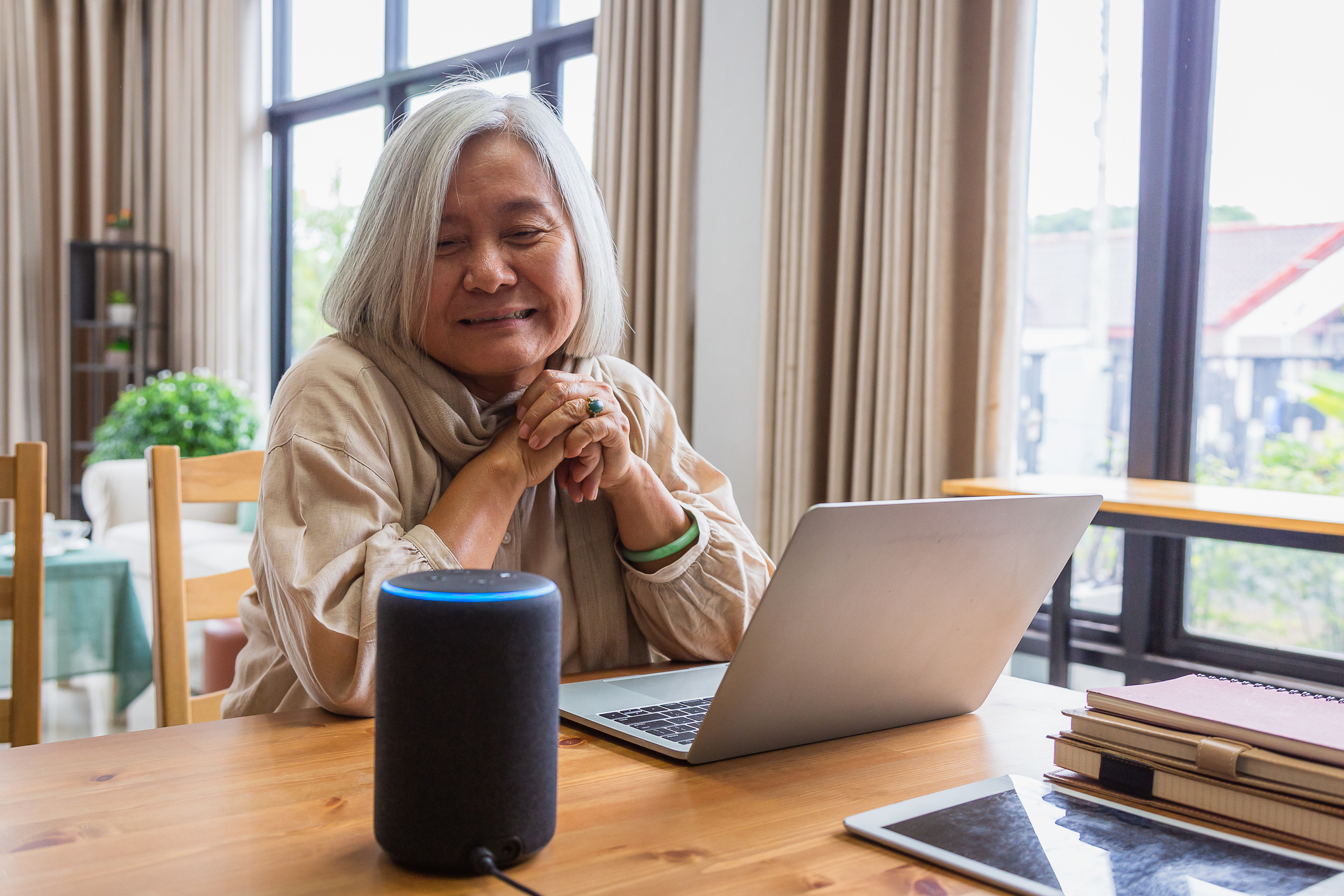
At the heart of any voice-activated smart home is the voice assistant. Three major players dominate this space: Amazon Alexa, Google Assistant, and Apple Siri. Each has its strengths and weaknesses, particularly when considering the needs of older adults. Ease of use and reliable voice recognition are paramount.
Amazon Alexa is widely regarded as the most versatile and accessible option. It boasts a vast ecosystem of compatible devices and a relatively simple setup process. Alexa’s voice recognition is generally good, but can sometimes struggle with accents or slurred speech. Google Assistant excels at understanding natural language and providing informative responses. Its integration with Google services, like Calendar and Maps, can be helpful, but the interface might feel slightly more complex for some.
Apple Siri is often less accurate than Alexa or Google and works with fewer devices. While HomeKit is more private, it is harder to set up if you aren't already using an iPhone. I've found that unless someone is already comfortable with Apple, it's usually more trouble than it's worth for a senior-focused setup.
Ultimately, I find Alexa to be the most readily adaptable for many seniors due to its wide support and relatively straightforward interface. However, if someone is already heavily invested in the Apple ecosystem, Siri might be a reasonable choice.
Automating the rest of the house
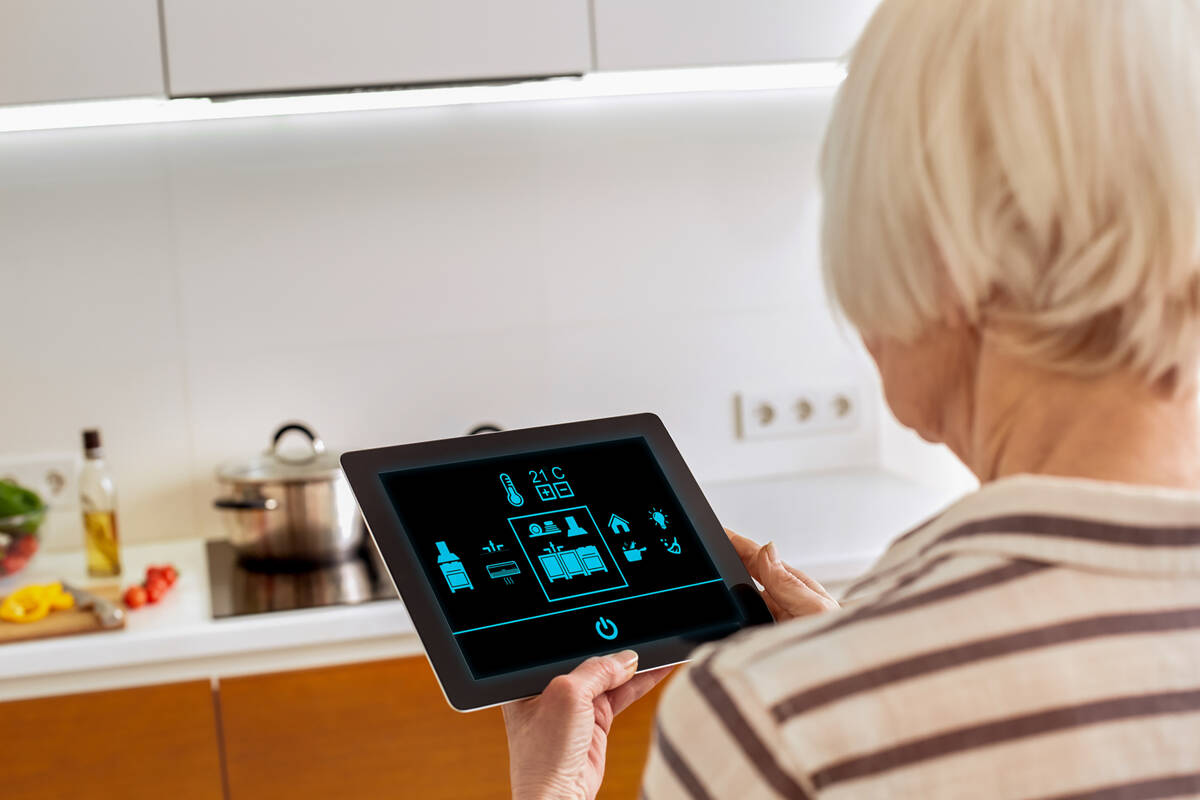
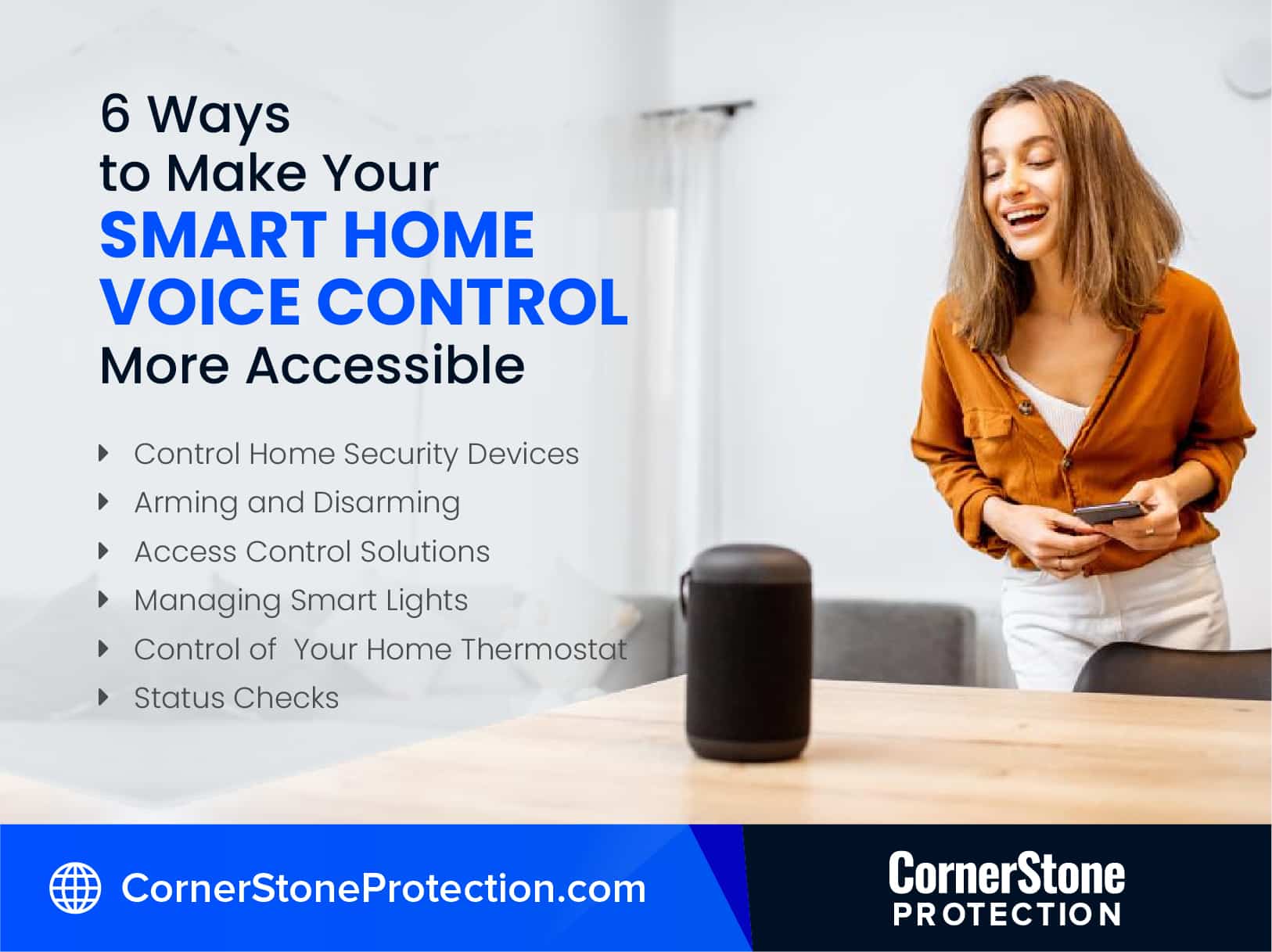
Once you have a voice assistant in place, the possibilities for automation expand significantly. Smart lighting can be controlled with voice commands, allowing seniors to turn lights on and off without getting up. This is particularly helpful at night, reducing the risk of falls. Smart thermostats allow for voice-controlled temperature adjustments, ensuring comfort and energy efficiency.
Smart locks offer increased security and convenience. Seniors can unlock their doors with a voice command or remotely grant access to family members or caregivers. Appliance control allows for voice-activated operation of coffee makers, televisions, and other devices. These additions can significantly enhance quality of life and promote independence.
Fall detection systems are becoming increasingly sophisticated. MIT News recently highlighted research on an eldercare robot that can help people sit and stand, and even catch them if they fall. While not yet widely available, these types of systems, combined with voice-activated emergency assistance, represent a significant advancement in senior safety.
Featured Products

Spatial Audio for immersive sound · Integrated Smart Home Hub · Designed for Alexa+ compatibility
This device offers a visual interface for Alexa, simplifying interaction and providing clear feedback for seniors managing their smart home.

No hub required · Remote control via app or voice · Works with Alexa, Echo, Google Home, and IFTTT
These smart plugs offer a simple way to make existing devices voice-controlled, enhancing convenience and safety by allowing remote operation of lamps and other electronics.

Voice control compatible · App control for customization · Set schedules and routines
Smart lighting from Philips Hue can be controlled with voice commands, helping seniors adjust lighting for comfort, safety, and to deter potential intruders.

Heart Rate Monitor · Step Counter and Calorie Tracking · IP68 Waterproof Rating
This affordable fitness tracker encourages activity and provides essential health monitoring, empowering seniors to stay active and aware of their well-being.

Wireless and expandable system · Mobile app control · Optional 24/7 professional monitoring
The Ring Alarm system provides enhanced home security and peace of mind, with easy control via a mobile app and compatibility with Alexa for voice arming/disarming.
As an Amazon Associate I earn from qualifying purchases. Prices may vary.
Emergency and health features
The safety and health benefits of voice-activated systems are arguably the most important. Most voice assistants offer emergency call features, allowing users to quickly connect with emergency services or designated contacts. Integration with fall detection systems, like the one being developed at MIT, can automatically alert emergency responders in the event of a fall.
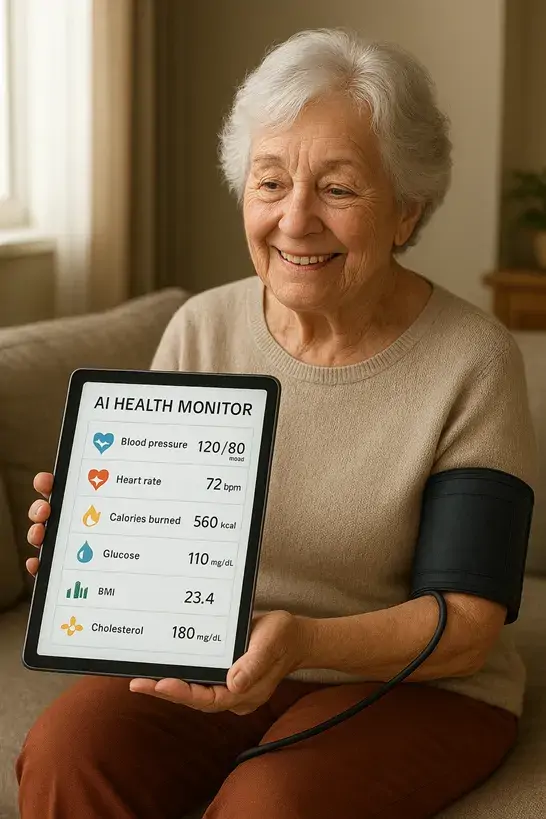
Medication reminders are a crucial feature for many seniors. Voice assistants can provide timely reminders to take medications, helping to ensure adherence to prescribed regimens. Remote health monitoring capabilities, such as integration with wearable devices, can allow family members or caregivers to track vital signs and identify potential health issues.
These features offer peace of mind for both seniors and their families, knowing that help is readily available if needed. The ability to maintain independence while having a safety net in place is a powerful combination.
Privacy and security
These devices are always listening for their wake word, which means they are recording snippets of what happens in your home. You should check the privacy settings immediately after setup to delete voice recordings automatically.
The National Institute on Aging provides resources on online safety and privacy for seniors. Review the privacy policies of the voice assistant provider and adjust privacy settings accordingly. Use strong passwords and enable two-factor authentication whenever possible. Be mindful of what you say around the device, as sensitive information could be recorded.
While the risks are real, they can be mitigated with careful planning and proactive security measures. It's a trade-off between convenience and privacy, and individuals need to weigh the benefits against the potential risks.
Setup and support
Setting up these systems can range from relatively simple to quite complex. Some devices are designed for self-installation, while others may require professional assistance. Consider the technical skills of the senior and whether they will need help with the initial setup.
Reliable internet connectivity is essential for voice-activated systems to function properly. Ensure that the home has a strong and stable Wi-Fi connection. Most manufacturers offer customer support resources, including online tutorials, phone support, and community forums. If you anticipate needing ongoing assistance, look for a provider with excellent customer service.

No comments yet. Be the first to share your thoughts!